
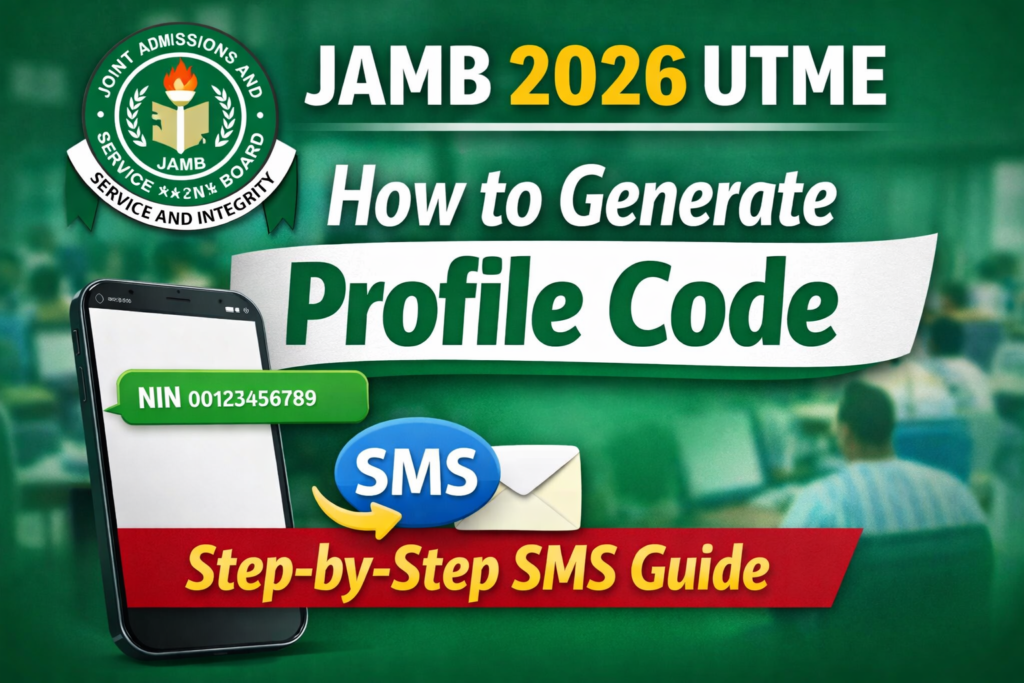

The Joint Admissions and Matriculation Board (JAMB) has announced that candidates can now begin generating their JAMB Profile Codes for the 2026 UTME registration. This profile code is a compulsory requirement and the very first step in completing your JAMB registration.
In this guide, we have carefully explained how to create your JAMB profile code, how to obtain your ePIN, and important notices every candidate should keep in mind to avoid common mistakes.
Why the JAMB Profile Code Is Important
Before you can purchase the JAMB ePIN or complete your UTME registration, you must first generate a JAMB profile code. Without this code, registration cannot proceed. Simply put, your JAMB profile code serves as your identity throughout the registration, examination, and admission process.
How to Create JAMB Profile Code Using Your Phone (SMS Method)
Follow the steps below carefully:
1. Use a Personal and Unique Phone Number
- Each candidate must use a unique GSM phone number (SIM).
- This phone number must belong to you and must not have been used by another candidate for UTME or Direct Entry in previous years.
- The phone number will remain your official contact number for all JAMB-related activities, so ensure it stays active.
⚠️ Note: Postpaid lines or special bundle SIMs may not work unless they are properly credited.
2. Send Your NIN via SMS
- Using your personal phone number, send a text message to 55019 or 66019.
- Type NIN, add a space, then enter your 11-digit National Identification Number (NIN).
Example:
NIN 00123456789
Ensure there is a space between “NIN” and your NIN number.
3. Receive Your JAMB Profile Code
- After sending the message correctly, you will receive a 10-character JAMB Profile Code via SMS.
- This profile code is automatically linked to your phone number, and your biodata is retrieved from the NIMC database.
📌 Important: Once generated, your profile code cannot be changed.
What Happens After Generating Your Profile Code?
- When UTME registration officially begins, you will present your profile code at approved outlets such as banks, mobile money operators (MMOs), microfinance banks (MFBs), USSD partners, or online platforms to purchase the JAMB form.
- An ePIN will then be sent to your registered phone number via SMS.
- You will take both the profile code and ePIN to any JAMB-accredited CBT centre to complete your registration.
NEED ePIN? GET IT ON WHATSAPP VIA THIS LINK >>> https://wa.me/+2348067901115
Common Issues During Profile Code Generation and Solutions
- “Error 55019 / 66019”
This means the SMS format is incorrect. Ensure you send:
NIN 00123456789to 55019 or 66019. - “Number Already Registered”
The phone number has been used before. Retrieve the original SIM or use a new phone number. - “Unable to Verify NIN”
This usually occurs due to network or NIMC issues. Kindly wait and try again later.
How to Retrieve Your JAMB Profile Code If Lost
If you mistakenly delete or lose your profile code SMS:
- Send RESEND to 55019 or 66019 using the same phone number you initially used.
Important Notice to All 2026 JAMB Candidates
JAMB has strongly advised candidates to refrain from using henna (Laali/Lale) on their fingers before and during registration and examinations.
Henna can interfere with biometric verification, which is mandatory for:
- Registration
- Entry into the examination hall
- Authentication during the exam
Attempts to remove henna using chemicals may permanently damage fingerprint whorls, making biometric verification difficult or impossible. Candidates are therefore urged to protect all ten fingers to ensure a smooth registration and examination experience.
🚫 Please note: Candidates who fail biometric verification will not be allowed access to the examination hall.
Final Tip
Always keep your phone number active, safeguard your profile code and ePIN, and follow all JAMB instructions carefully to avoid unnecessary delays.
NEED ePIN? GET IT ON WHATSAPP VIA THIS LINK >>> https://wa.me/+2348067901115
Kindly share your views in the comments below ↓↓↓
JAMB & ACADEMIC SERVICES WE OFFER AT AKADAWOX
- Profile Creation
- ePIN Vending/Purchase Assistance
- UTME/DE Registration
- O’Level Result Upload (WAEC, NECO & NABTEB)
- CBT Training/Practice
- Result Checking & Printing
- Admission Status Checking
- JAMB CAPS Assistance
- Data Correction
- Change of Course/Institution
- Admission Letter Printing
- Result/Registration Number Retrieval
- Post-UTME Support
- Mentorship and Consultation
- Document Services (typesetting, printing, scanning, photocopying, etc.)
CALL/WHATSAPP – 08067901115
DIRECT WHATSAPP LINK >>> https://wa.me/+2348067901115
JAMB UTME 2026 Support WhatsApp Channel – Kindly join below for the latest and most recent updates relating to the JAMB ↓↓↓
https://whatsapp.com/channel/0029VbBjaS16GcGH1FsOhJ2U (Click/Tap on the link to join the WhatsApp Channel)
JAMB UTME 2026 Support Facebook Group – Kindly join below for the latest and most recent updates relating to the JAMB ↓↓↓
https://web.facebook.com/groups/jambsupportbyakadawox (Click/Tap on the link to join the Facebook Group)
AKADAWOX Office Address – 03, VisualWOX HUB, Rockview Estate, POAT, Bioku Road, Off Iyana Agbala, New Ife Road, Ibadan, Oyo State, Nigeria
Source: MYSCHOOLNG, SCHOOLNEWSNG